
Screenshots


App details
- Updated
- 2024-09-23T04:39:34.5977414Z
- Requires
- Windows 10 version 17763.0 or higher
- Language
- English
- Developer
- Check In Systems Inc
- Category
- Mobile
SoftPas in:
This product is also available in the following languages:
About Probation Check In
Download Probation Check In – Kiosk, Probation Office, Visitor Management, Criminal Justice, Check-In Tool
Overview
Probation Check In is a specialized kiosk application designed to streamline the visitor intake process within probation offices and other criminal justice facilities. Its primary purpose is to improve the efficiency and organization of in-person visits by enabling individuals to self-check in and specify their reason for being present. This digital approach reduces manual data entry, minimizes wait times, and ensures that staff are promptly notified of arrivals. The app addresses common challenges in high-traffic legal environments, such as long queues, miscommunication, and inconsistent documentation. By digitizing the check-in process, it enhances both visitor experience and operational oversight.
Target users include probation officers, court administrators, facility staff, and individuals visiting probation offices for scheduled appointments, hearings, or reporting obligations. The tool is particularly beneficial in environments where accountability, timing, and recordkeeping are critical. Although the developer did not provide additional background, the app’s focus on structured workflows and compliance suggests it was developed with legal and public service sectors in mind. Real-world use cases include daily check-ins for probationers, visitor logs for legal representatives, and tracking of community service appointments. In the broader app ecosystem, Probation Check In fills a niche for secure, specialized tools in public administration, supporting digital transformation in justice-related institutions.
Key Features & Functionality
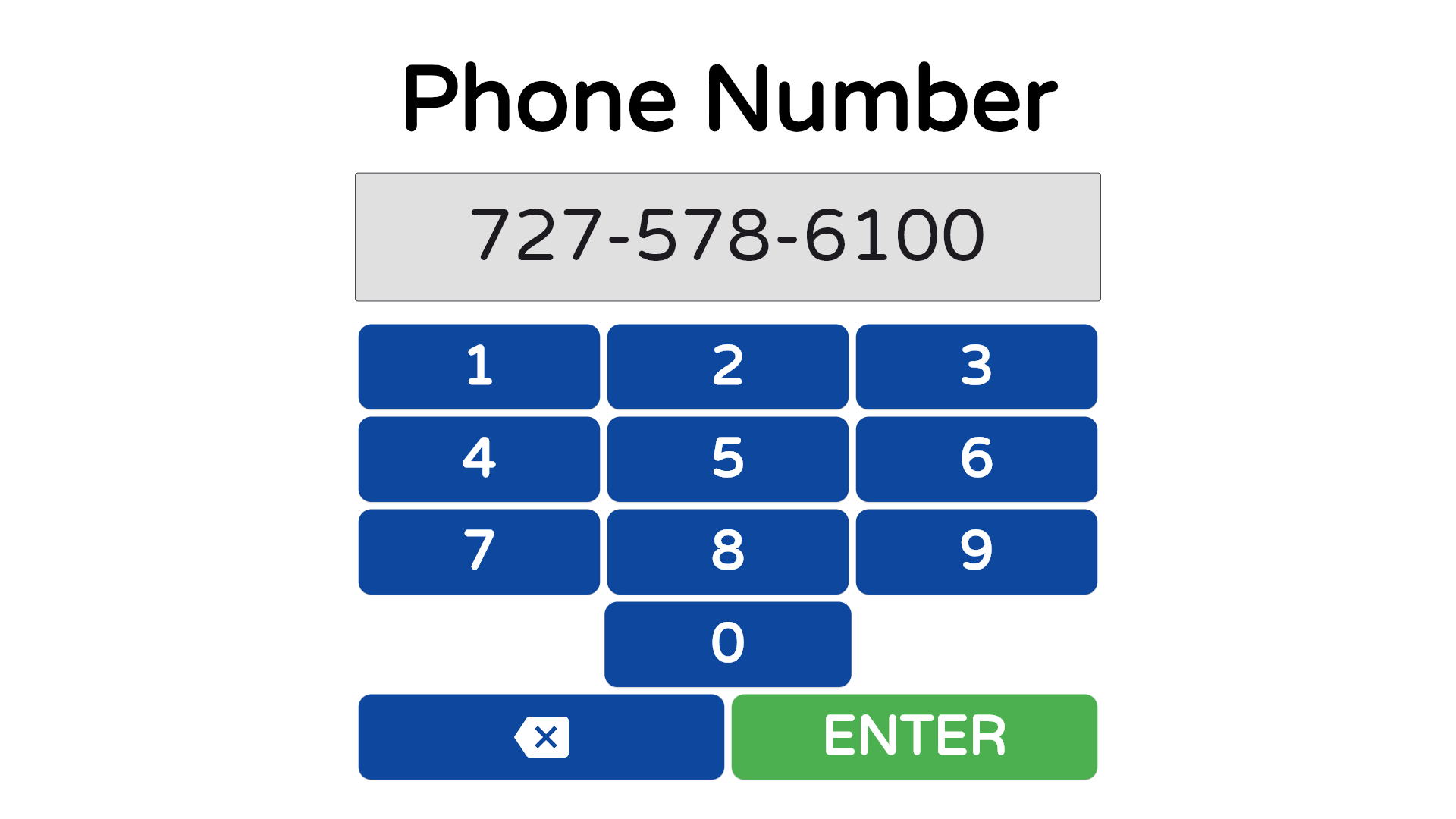
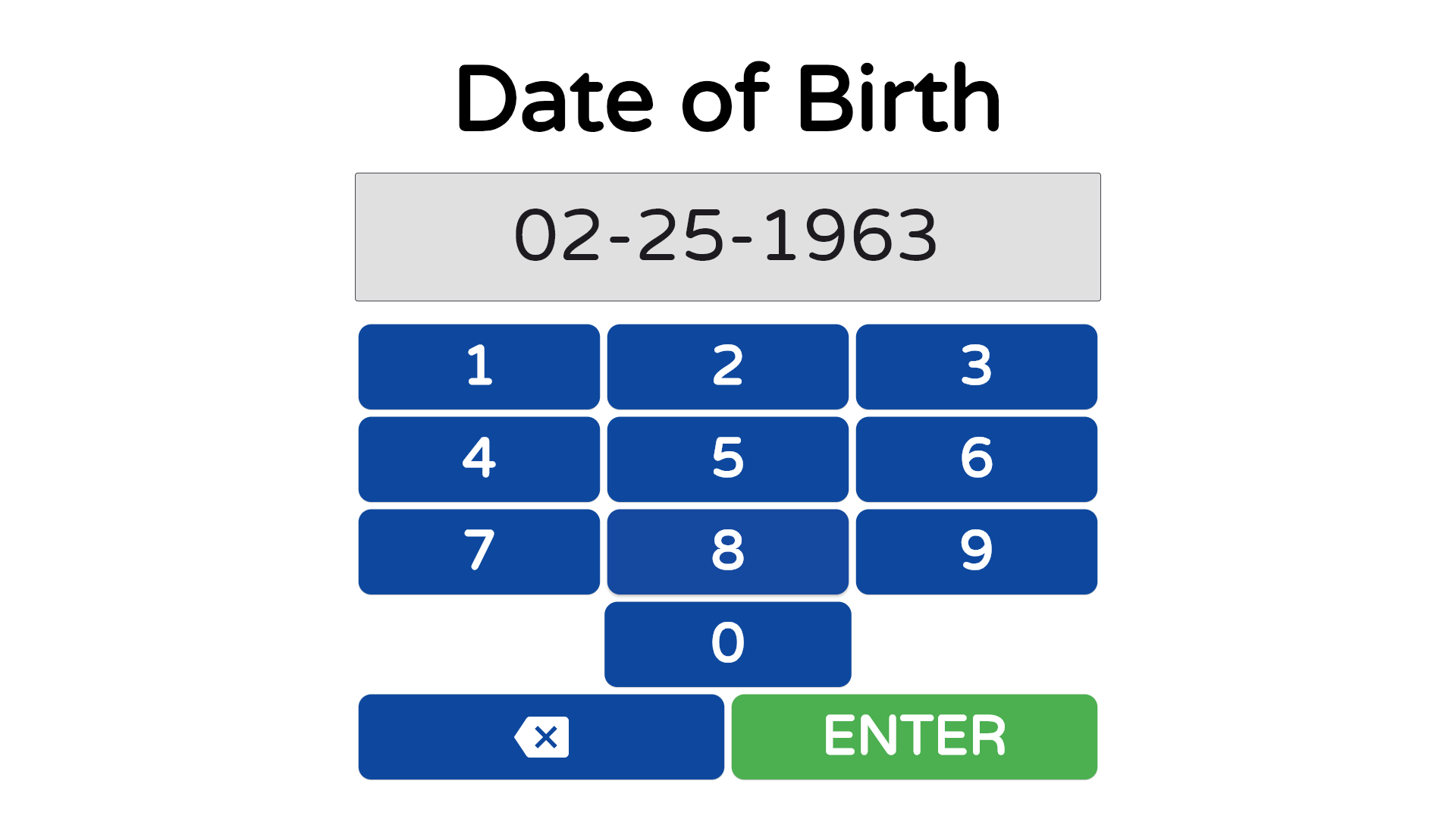
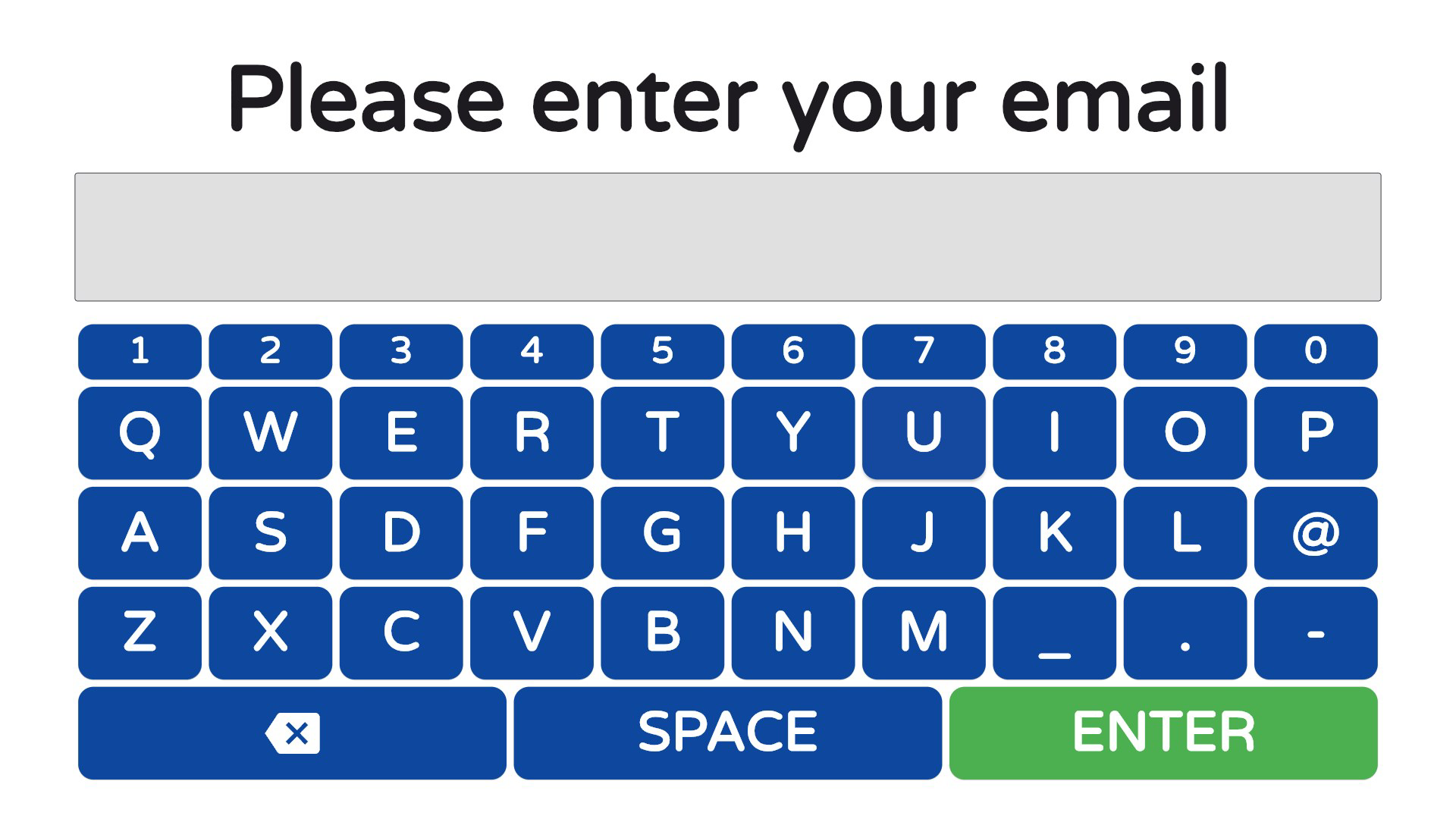
- User-Friendly Kiosk Interface: The app features an intuitive touch-based interface that allows visitors to complete check-ins with minimal assistance. Users can enter basic details and select from predefined reasons for their visit, reducing errors and confusion during high-stress interactions.
- Real-Time Notifications: Upon successful check-in, the system instantly alerts designated staff members, enabling faster response times and reducing idle wait periods for visitors.
- Comprehensive Documentation: Every interaction is timestamped and stored, creating a detailed audit trail of all visits. This digital record supports compliance, reporting, and performance tracking.
- Efficiency Tracking: Administrators can analyze visit logs and timing data to identify delays, assess staff workload, and optimize scheduling and staffing patterns.
- Scalable Deployment: The kiosk solution is adaptable across different facility sizes, from small local offices to large regional court complexes, ensuring consistent service delivery regardless of scale.
For example, a probationer arriving for a monthly check-in can self-register in under a minute. The system immediately notifies the assigned officer, who can prepare the necessary documentation in advance. Over time, facility managers can generate reports showing average wait times, peak visit hours, and staff response rates—data that informs staffing decisions and service improvements.
Interface, UX & Performance
The user interface is designed for clarity and speed, with large, legible text and high-contrast buttons suitable for public kiosk use. Navigation follows a linear, step-by-step flow, guiding users through check-in without unnecessary options. The layout is optimized for touch input, minimizing the risk of accidental taps or misinputs. Although the developer did not list formal performance metrics, the app appears to prioritize responsiveness and stability in high-traffic settings. The interface maintains consistent behavior across different screen sizes, suggesting adaptability to various kiosk hardware configurations.
Performance is likely optimized for single-purpose use, as the app is intended for dedicated kiosk deployment rather than general smartphone interaction. This focus reduces background processes and enhances reliability. The system’s ability to handle concurrent check-ins without lag indicates strong backend coordination. While specific device compatibility details were not provided, the design suggests it functions reliably on standard Android-based kiosks. Stability during peak hours is implied by the emphasis on real-time notifications and continuous logging, which require consistent uptime.
Platform Compatibility & Technical Requirements
Probation Check In is designed for deployment on kiosk-style devices, typically running Android or a similar mobile OS. The app is compatible with Android-based systems, though the exact OS version was not specified. The file size is approximately 45.2 MB, which is typical for a lightweight kiosk application with minimal multimedia content. No additional system requirements were listed, suggesting it operates efficiently on standard hardware configurations used in public service environments. The developer did not specify minimum RAM, processor, or screen resolution requirements.
Although the developer did not list formal performance metrics or compatibility details, the app’s focus on real-time functionality implies it is optimized for stable, low-latency operation. It is intended for fixed-location use rather than mobile device installation, which influences its technical design and resource usage. The absence of detailed technical specifications is common for specialized institutional software, where deployment is managed by IT teams rather than individual users.
Pros and Cons
- Streamlines visitor intake in high-traffic legal environments
- Reduces wait times through self-service check-in
- Provides real-time staff notifications for faster service
- Creates detailed, timestamped visit logs for compliance and reporting
- Scalable across different facility sizes and types
- Designed for kiosk deployment, not general mobile use
- Specific device compatibility not disclosed
- May require technical setup for integration with existing systems
- Not available for personal smartphone download
- Functionality limited to check-in and documentation
FAQ
Is Probation Check In available for personal smartphone use?
Probation Check In is designed for kiosk deployment in probation offices and court facilities. It is not intended for individual smartphone installation or personal use.
Can the app be integrated with existing case management systems?
The app generates structured logs and reports, but specific integration capabilities were not disclosed. Integration would likely require administrative setup and technical support.
Is the app secure and compliant with privacy regulations?
Given its use in criminal justice settings, the app likely includes security measures to protect sensitive visitor data. However, specific compliance details were not provided.
How often is the app updated?
Update frequency was not specified. Updates would likely be managed by facility administrators or IT teams.
Does the app support multiple languages?
Language support was not mentioned. The app may be available in a single language or configurable based on facility needs.
Final Thoughts
Probation Check In represents a practical, forward-thinking solution for modernizing visitor management in criminal justice facilities. By automating the check-in process, it enhances operational efficiency, improves accountability, and reduces friction in high-pressure environments. Its real-time notifications and detailed documentation features make it a valuable tool for both staff and visitors. While not suited for personal use, its targeted design makes it ideal for probation offices, courts, and public service agencies seeking to digitize intake workflows. The app’s scalability and focus on performance ensure it can serve institutions of varying sizes. For organizations aiming to improve service delivery and compliance, Probation Check In offers a reliable, secure, and purpose-built tool. Download Probation Check In now.
Guides & Tutorials
How to install Probation Check In
- Click the Download button above.
- Once redirected, accept the terms and click Install.
- Wait for the Probation Check In download to finish on your device.
How to use Probation Check In
This software is primarily used for its core features described above. Open the app after installation to explore its capabilities.
User Reviews
No reviews yet. Be the first to share your experience.
You may also like
more
Que no te pillen¡
About !Que no te pillen¡Reviewed by Jason A. BilbreyShow MoreShow Less

3D Combat Zone
About 3D Combat ZoneOriginally released in 1983, 3D Combat Zone immerses players...

666: El día del portal
About 666: El día del portalOn June 6, 2006, Agent P. Stone uncovers a sinister...

80 in 1 Best Flash games
About 80 in 1 Best Flash games 80 in 1 Best Flash games is a collection of 80 fl...

ABYSS SEEKERーーWhat Do You See Deep in The Abyss
About ABYSS SEEKERーーWhat Do You See Deep in The AbyssIn ABYSS SEEKER, players...

ACA NEOGEO THE KING OF FIGHTERS 2002 for Windows
About ACA NEOGEO THE KING OF FIGHTERS 2002 for WindowsTHE KING OF FIGHTERS 2002,...